
share treatment plans securely
How to Share Aligner Treatment Plans Securely With Doctors and Patients
Best practice for sharing aligner treatment plans: private links, PINs, expiry, revocation, audit logs and keeping patient data out of email.
· 4 min read · DentoSim
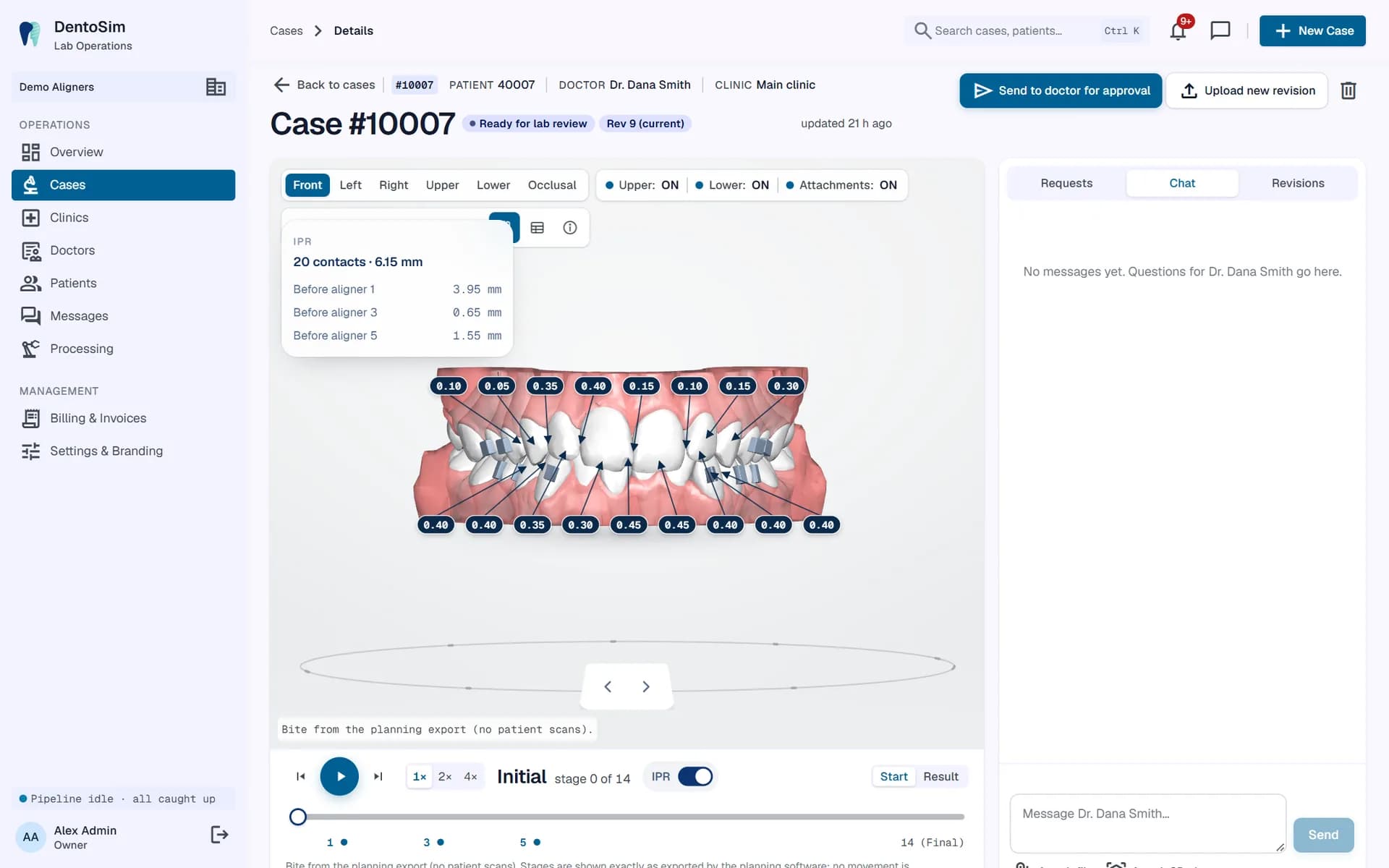
Aligner treatment plans contain health information: 3D scans of a patient's teeth, the details of their treatment, and often their name. Many labs still share them the easy way, as email attachments or through public file-sharing links. It is convenient, but once a file leaves your system you lose control over where it goes, who opens it and how long it exists.
This guide sets out practical ways to share treatment plans with doctors and patients while keeping that control. It is general good practice, not legal advice; check the data protection rules that apply where you and your doctors work.
The risks of email and file-sharing links
- Forwarding. An attachment can be forwarded to anyone, and you will never know.
- Permanent copies. Files sit in inboxes, downloads folders and backups for years.
- Public links. Many file-sharing links work for anyone who has them, with no expiry.
- Wrong versions. When a plan is revised, older files keep circulating.
- No record. You cannot tell who opened what, or when.
For doctors: a portal, not attachments
Doctors are your partners, and they need full access to their cases. A secure portal gives them that without loose files:
- Each doctor signs in and sees only their own cases.
- Always the current revision. There is no confusion over which file is the latest.
- Two-factor sign-in available, using an authenticator app, for extra protection.
- Every action recorded: approvals, change requests and messages are logged with who did what and when. See the doctor approval workflow.
- Notifications instead of files. The doctor gets a message or push notification that a plan is ready, not the plan itself.
For patients: private links with controls
Patients should not need an account to see their simulation, but their link should still be protected:
- A long, random link that cannot be guessed.
- An optional PIN of 4 to 8 digits that the practice gives the patient separately, for example in person or by phone.
- An expiry date, so the link stops working after the consultation period.
- Revocation, so the lab or clinic can switch a link off at any time.
- A view log, so you know when the patient opened it.
- Brute-force protection, so repeated wrong PIN attempts are limited.
Choosing when to use a PIN
A PIN adds a second factor: someone needs both the link and the PIN. It is especially useful when the link is sent through a channel other people might see, such as a shared family phone, or when the patient's name appears in the simulation. For a simple consultation follow-up, the practice may decide a long private link with an expiry date is enough. Making the PIN optional lets each practice choose.
Keep it off search engines
Patient links must never appear in search results. They should be excluded from search engine indexing, never published on a website or social media, and never shared in public groups. A well-built platform excludes patient links from indexing automatically.
Minimise what you share
- Use a patient reference instead of a full name where you can.
- Keep error reports and logs free of patient details. Technical monitoring should only see error types and IDs.
- Set a retention period, so old cases are deleted when they are no longer needed.
- Limit staff access by role. Not every team member needs to see every case.
Protect the files themselves
Security also starts before a file is shared. Uploaded files should be scanned for viruses before they are processed. Each lab's data should be kept separate from every other lab's. Connections should always be encrypted. And sign-ins should be protected against password guessing, with limits on repeated attempts.
Convenient for patients
Security does not have to mean friction. Patients can receive the link by WhatsApp or text message, or scan a QR code at the chair, and open it straight away on their phone with nothing to install. The simplest secure option is the one patients will actually use. More on the patient side in before and after simulations.
A simple checklist
- Doctors access cases through a sign-in portal, not email attachments.
- Patient links are private, with an optional PIN and an expiry date.
- Links can be revoked, and views are logged.
- Patient links are excluded from search engines.
- Uploads are virus-scanned, and each lab's data is kept separate.
- Old cases are deleted after a retention period.
How DentoSim handles it
DentoSim includes a doctor portal and app with optional two-factor sign-in, PIN-protected, expiring and revocable patient links with a view log, virus scanning of uploads, separation of each lab's data, retention settings, an audit log, and error reports with patient information removed. Patient links are kept out of search engines.
See the security features, read our Privacy Policy, or register your lab.
Frequently asked questions
Should I email treatment plan files to patients?
It is better to send a private link with an optional PIN and expiry, so you control access and can revoke it later.
Can I switch off a patient link?
Yes. In DentoSim a link can be revoked at any time and can also be given an expiry date.
How long can a PIN be?
In DentoSim, a patient link PIN is 4 to 8 digits.
Do patients need an account?
No. Patients open a private link, and enter a PIN if one was set.
See it on your own treatment plans
DentoSim turns aligner treatment plans into 3D simulations for doctors and patients, under your lab's brand.